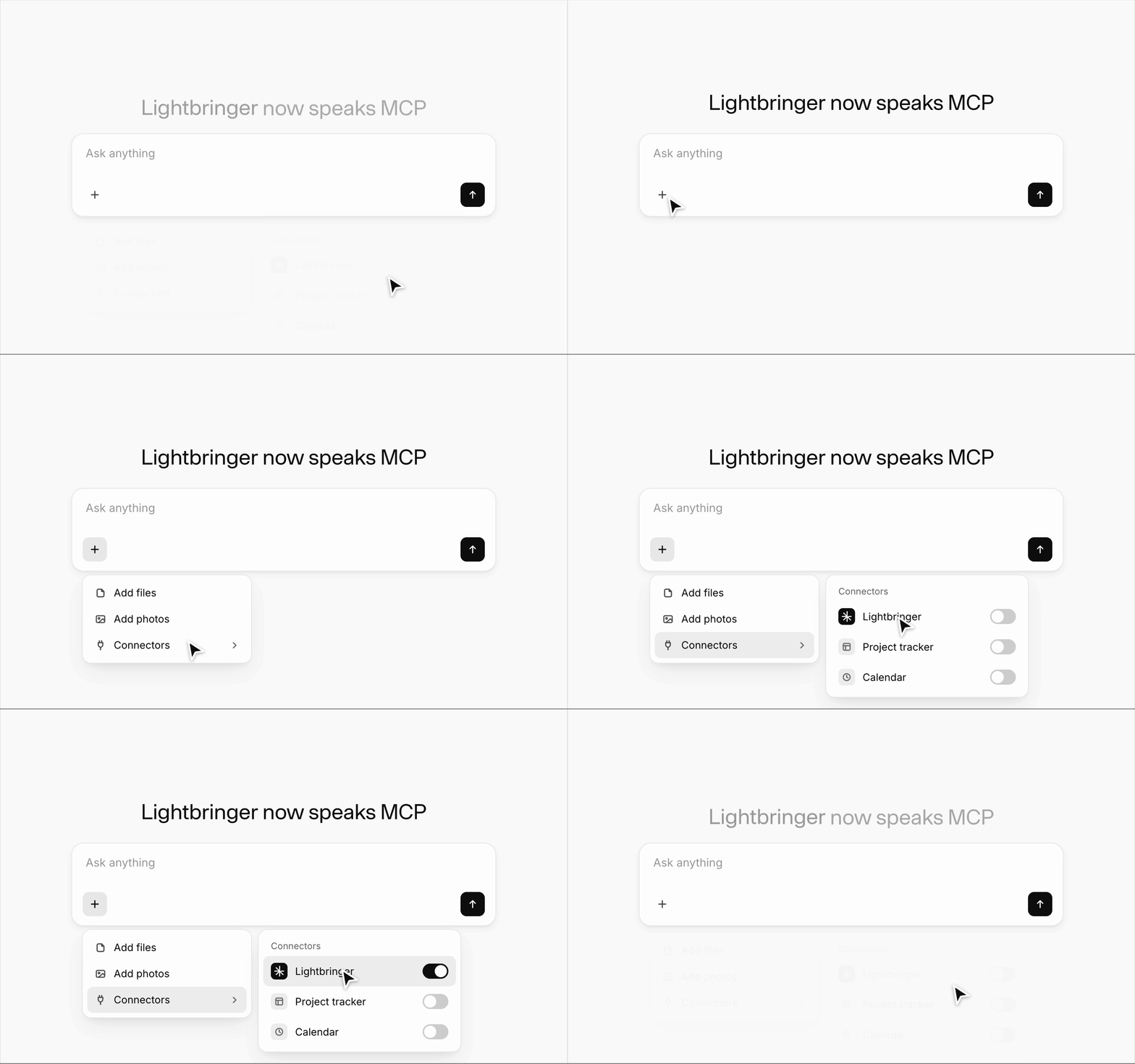
Lightbringer MCP: AI patent management in Claude, ChatGPT and Cursor
Bring AI patent management into Claude, ChatGPT, and Cursor. Create invention disclosures, get attorney feedback, and manage patents in chat.

Works where innovators work
Capture inventions through AI conversation
You capture what was invented, why it matters, and how it differs, without filling out forms. Invention disclosure management happens in the conversation.
Patent intelligence, not just AI writing
Generic AI just writes. Lightbringer evaluates against patent review criteria for clarity, completeness, and technical depth. A stronger submission before counsel sees it.
Patent strategy powered by your innovation context
Your filings, portfolio, and R&D activity give AI the full picture. This is AI for IP management, grounded in your own portfolio, not the open web.
Inventors and patent attorneys, connected in a single workflow
Review in
full context
Read attorney comments and redlines in context, reply to a passage, and approve or request changes without leaving your assistant.
Contribute to the discussion
Answer questions, approve changes, request revisions, and contribute to discussions from your AI assistant.
Attorneys stay in Lightbringer
Patent attorneys continue working in Lightbringer. Inventors can work from wherever they prefer.
Set up in a few minutes
Step 1: Enable MCP access
Step 2: Connect your client
Claude, web and desktop
- Open Customize, then Connectors.
- Click Add, then Browse connectors.
- Search for Lightbringer.
- Click Connect and sign in with email, Google, or Microsoft.
- Approve read and write access, then select your organization.
Claude Code
- Run
/plugin marketplace add lightbringer-patents/claude-plugin - Run
/plugin install lightbringer@lightbringer - Run
/mcpand pick lightbringer for authentication. - Authenticate in the browser and select your organization.
The plugin adds an agent skill that mines your repos, docs, and tickets for patentable problem and solution pairs, then drafts the disclosure.
ChatGPT
- Search for Lightbringer in ChatGPT Plugins.
- Click Install and sign in with email, Google, or Microsoft.
- Select your organization.
OpenAI Codex
Add Lightbringer as a custom MCP server in any client that supports remote streamable HTTP servers with OAuth, then sign in and select your organization.
MCP server endpoint:
https://mcp.lightbringer.com/mcp
Step 3: Confirm the connection
Frequently asked questions
Yes. Any MCP-compatible client that supports remote streamable HTTP servers with OAuth, including Cursor and Windsurf, connects using the same endpoint.
Read and write access to your invention disclosures, reviews, comments, and related patent-workflow documents, scoped to the single organization you select at sign-in.
No. Anything that only reads data runs freely. Anything that changes data, such as creating, updating, submitting, or commenting, is confirmed with you first by default.
Run /mcp again in Claude Code, or reopen the connector settings in your client, and choose Re-authenticate.
Access is scoped to one organization per connection. To switch, reconnect and select a different organization at sign-in.
Generic AI only sees what is in the conversation. Lightbringer adds patent workflows, invention history, portfolio context, and attorney collaboration, so the guidance is relevant to your business.
Connect your assistant today
Turn on MCP access in Advanced Settings, add the connector, and start capturing inventions from the tools your team already builds in.