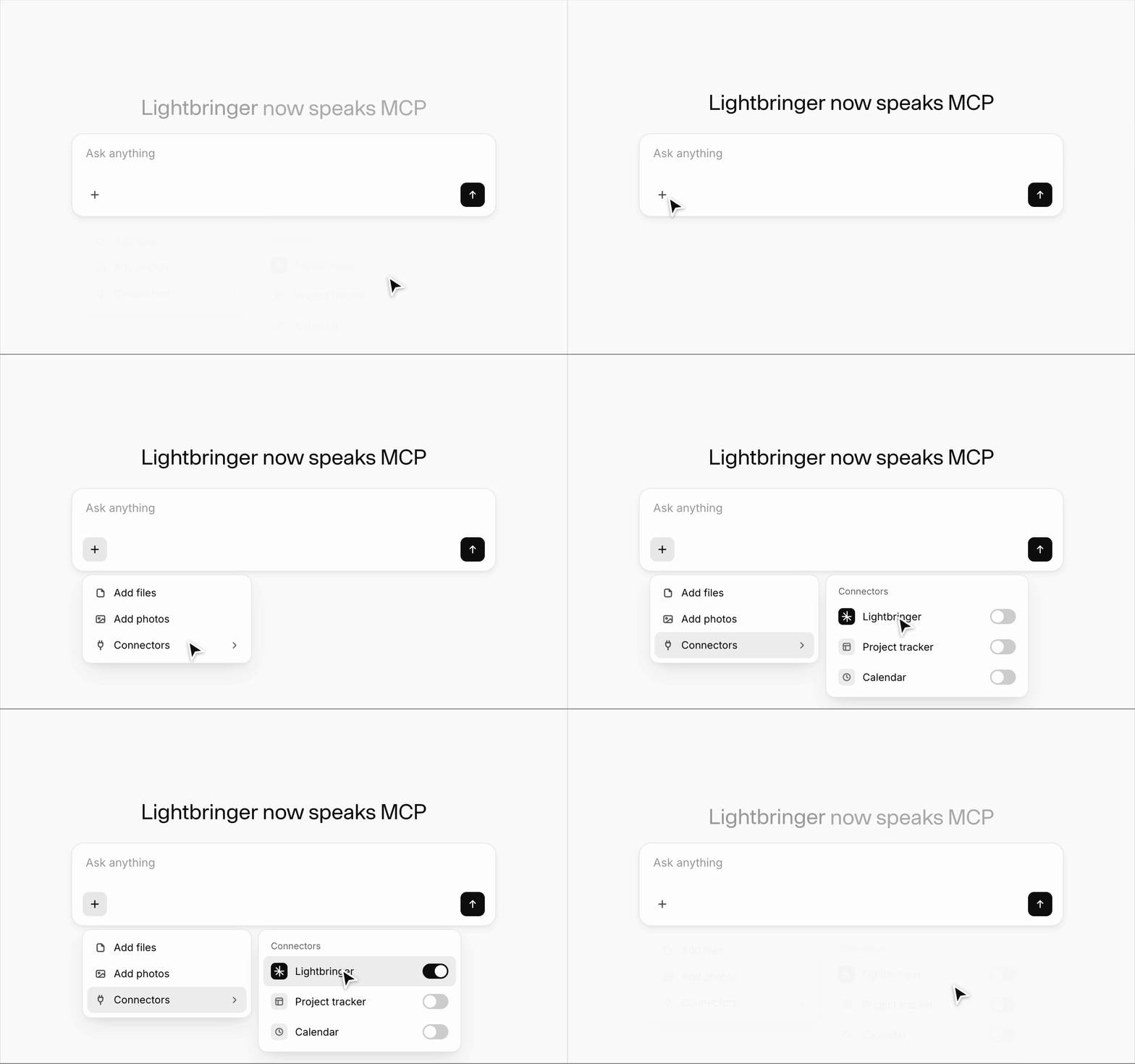
News: Lightbringer raises $10 million in Series A funding
June 30, 2026

Using the Lightbringer MCP Connector in Claude

A practical guide to connecting and using Lightbringer — patent and invention management — from inside Claude.
  • Endpoint: https://mcp.lightbringer.com/mcp
  • Transport: Streamable HTTP
  • Auth: OAuth 2.0 (Authorization Code + PKCE), scoped to one organisation
  • Scopes: mcp:read, mcp:write

1. Setup

Option A — once it's in the Claude directory (easiest)

When the Lightbringer listing is approved in the Claude Connectors Directory, you'll be able to enable it in one click: Settings → Connectors → browse the directory → Lightbringer → Connect, then sign in. No URL needed.

Option B — add it now as a custom connector

  1. In Claude, open Settings → Connectors (on claude.ai: Customize → Connectors).
  2. Click Add custom connector.
  3. Enter:
    • Name: Lightbringer
    • URL: https://mcp.lightbringer.com/mcp
  4. Click Connect. Claude opens Lightbringer's sign-in.
  5. Sign in with email, Google, or Microsoft — whichever your Lightbringer account uses.
  6. On the consent screen, approve the requested access (read + write) and select the organisation you want to work in. Access is scoped to that single organisation.
  7. You're connected. Ask Claude "Who am I on Lightbringer?" to confirm — it should return your user, organisation, and permissions.

Where it works: Claude apps and IDEs that support remote MCP connectors — Claude.ai (web), Claude Desktop, Claude Code, and Claude in Cursor and other MCP-capable clients.

Permissions: the connection grants read and write across your innovation disclosures, reviews, comments, documents, and related patent-workflow data — all within the organisation you selected at sign-in.

2. What you can do

Once connected, just talk to Claude in plain language about your patents and inventions — it will take the right actions on Lightbringer for you. Anything that only reads your data runs freely; anything that changes data (creating, updating, submitting, commenting) is confirmed with you first. Below are common things to ask for.

And because Claude can use all your connected tools in one conversation, it can pull in the engineering work you've already done — code, design docs, tickets, chat — and turn it into Lightbringer inventions. That combination (see Turn your engineering work into invention disclosures below) is one of the most valuable ways to use this connector.

Explore your portfolio

"List my Lightbringer inventions."

"Search our portfolio for anything related to adaptive filtration and summarize what we already have."

"Open invention LB-104 and give me a plain-English summary of the problem and the solution."

Claude can list and search your inventions, applications, and reports, and read any document back to you as a clear summary. This is the usual starting point — it's how you find the specific invention or review you want to work on.

Turn your engineering work into invention disclosures

This is often the fastest way to capture IP. If you've connected other tools to Claude — code and pull requests in GitHub, design docs and specs in Google Drive, discussions in Slack, tickets in Jira or Linear, wikis in Confluence or Notion, or files on disk — Claude can read that engineering context and capture the inventive parts straight into Lightbringer, instead of you re-writing everything by hand.

"Read the design doc in our 'Project Atlas' Drive folder and the linked GitHub PR, then draft a Lightbringer disclosure capturing what's novel."

"Summarize the last two weeks of our #firmware Slack channel and the related Jira epic, and turn the inventive parts into a draft disclosure."

"Here are my engineering notes and test results — pull out the distinct patentable ideas and start a disclosure in Lightbringer for each one."

Claude gathers the material from your other connectors, identifies what's potentially novel, and assembles it into Lightbringer's disclosure structure — then you refine and create it exactly as below. It also makes capture routine: point Claude at the work as you finish it, and ideas land in Lightbringer before they're forgotten.

Availability depends on which connectors you've enabled — Claude can only read tools you've connected and authorized in your Claude account.

Draft a new invention disclosure

"I want to file a new invention. Walk me through what Lightbringer needs and interview me for the details."

"Draft the disclosure from my answers, check it for problems, and fix anything that's missing."

"Looks good — create it in Lightbringer."

Claude follows Lightbringer's current authoring structure and assembles a submit-ready disclosure — typically a clear problem statement and its technical causes, the invention and the technical mechanism behind it, implementation details and variants, and optional prior art and illustration ideas. The raw material can come from your own answers as Claude interviews you, from documents you paste in, or from your connected engineering tools (above) — often a mix. It checks the draft and resolves issues before creating it, and flags any remaining gaps that still need your input.

Tip: this path authors a text disclosure. If you have drawings, add them in the Lightbringer UI after the disclosure is created.

Strengthen a draft with patent-focused analysis

"Run Lightbringer's patent analysis on invention LB-104, focus on completeness, and coach me through the gaps."

"Apply those fixes to the disclosure."

Claude can run Lightbringer's patent-focused review — for clarity, problem framing, completeness, or all of them — and turn the findings into concrete revisions. The analysis sometimes takes a few minutes; Claude will wait for the results and then walk you through what to improve, one theme at a time.

Collaborate on attorney reviews

"What reviews are waiting on me?"

"Open review #482, summarize the attorney's comments and suggested redlines, and tell me what needs a decision."

"Reply to the attorney's question on the claims comment: confirm the operating range is 40–60 °C."

"Mark the review as responded."

Claude can show the reviews you're part of, read the document under review along with each comment thread and attorney redline, post comments and replies, and record your response — so you can run a review cycle without leaving the chat.

Submit when ready

"Check invention LB-104 one more time, and if it's clean, submit it for review."

Claude verifies the disclosure and then submits it. Because submitting is consequential, Claude confirms with you before doing it.

3. Tips & good practices

  • Bring your sources. If you've connected engineering tools (code, design docs, tickets, chat, files), ask Claude to pull from them and capture the inventive parts into Lightbringer — the richer the source material, the stronger the disclosure.
  • Find it first. Most requests work best once Claude has the specific item in hand — start by asking it to list or search, whether that's your Lightbringer portfolio or the source material in your other connected tools.
  • Check before you create. Ask Claude to validate a draft and resolve problems before creating or submitting; treat warnings as real gaps to fix or consciously accept.
  • Be precise in reviews. Review comments attach to an exact passage of the document — let Claude quote the wording from the review rather than paraphrasing.
  • Analysis can be slow. Patent feedback may run for a few minutes; it's normal for Claude to wait for the result before presenting it.
  • Changes are confirmed. Creating, updating, submitting, commenting, and replying all change real data, so Claude asks first. Updating and submitting a disclosure are treated as consequential.
  • Scope awareness. Everything is scoped to the organisation you chose at sign-in. To switch organisations, reconnect and select a different one.
  • Drawings. Disclosures authored here are text-first; attach inventor drawings in the Lightbringer UI afterward.

4. A typical end-to-end session

  1. "Who am I on Lightbringer?" — confirm the connection and organisation.
  2. "List my inventions." — see what's already captured.
  3. "Read the Project Atlas design doc and the linked GitHub PR, and pull out what's novel." — gather raw material from your connected engineering tools (or just answer Claude's questions / paste notes).
  4. "Draft a disclosure from that, check it, and fix what's missing." — assemble a clean disclosure.
  5. "Create it in Lightbringer." — confirm when prompted.
  6. "Run a completeness analysis and coach me through the gaps." — strengthen it.
  7. "Apply those fixes."
  8. "Check it again and submit for review." — confirm when prompted.
  9. Later: "Any reviews waiting? Summarize the comments, reply to the open question, and mark it responded."

Need help?

Your assigned product specialist is available directly through the platform. Not a customer yet? Please use the button below to book an intro with us.