Analyze, identify and ask with Lightbringer Assistant
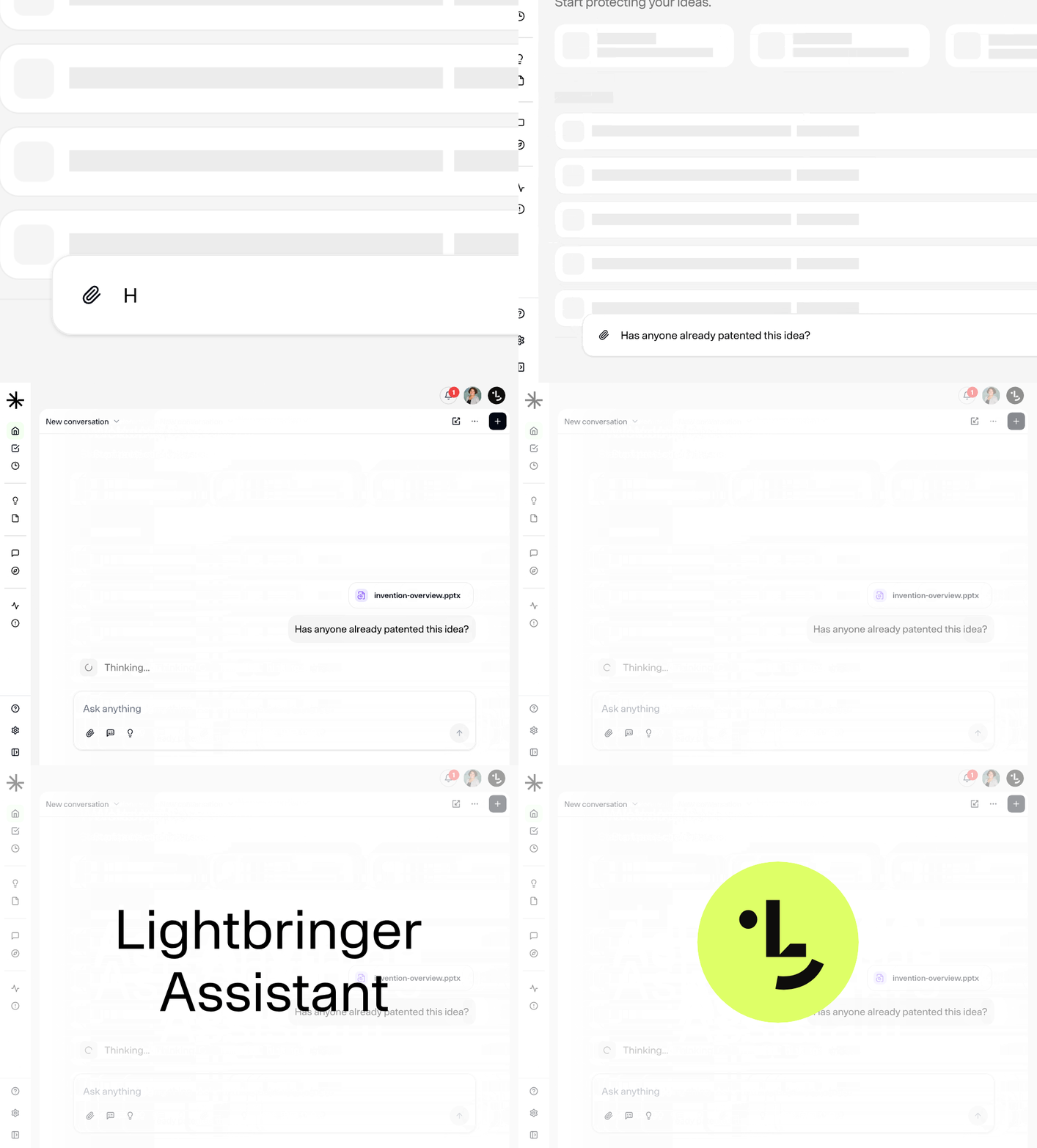
Insights is now Lightbringer Assistant
The chat formerly known as Insights has been revamped and replaced with a full assistant, accessible from every page on the platform. Toggle it by clicking the Lightbringer Assistant icon in the top right corner of your screen.
Your old Insights conversations are still available under the new "History" tab in the right side panel. The Insights menu item will remain accessible for a while longer.
Everywhere you go
Lightbringer Assistant knows what page you're on, so you can ask about what you're looking at without any extra context. Discussing specific views and content has never been easier.
Three sizes to fit your workflow
Lightbringer Assistant comes in three sizes: small, extended, and full. Full mode includes a right side panel where you'll find your private conversations, shared conversations, and conversations others have shared with you.
Quick chat
A quick chat input field now sits at the bottom of your screen on desktop, giving you fast access to the assistant without opening the full panel. It's only visible when the assistant is closed, and can be toggled off in the Lightbringer Assistant settings.
Hint! Try asking Lightbringer Assistant to generate images or ask about comments directly to your application.
Need help?
Your assigned product specialist is available directly through the platform. Not a customer yet? Please use the button below to book an intro with us.